

15% Off – Top Coupon Code (+1 More)
How to Use Your Coupon Code
Click “Show coupon codes” button
- This will open a new tab that takes you to wpzoom.com
Copy the code
- Select and copy the code that is highlighted in yellow on this page (in place of the button after clicked)
Enter the code at checkout
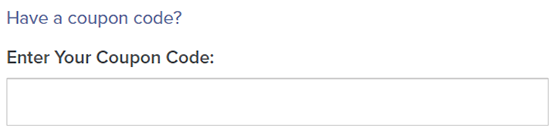
- Paste your code in the appropriate box, like below:
Enjoy your savings
- Hopefully you saved a lot!
Save with WPZOOM Coupons
It’s no secret that shopping online saves you time and money.
That’s why we’re always updating this page with the latest WPZOOM coupon codes.
The best WPZOOM coupon code right now is for 15% off sitewide.
Pro Tip
Sign up for the free e-mail list at WPZOOM.com to get the latest promotions and special offers sent straight to your inbox.
About WPZOOM
Want to learn more about WPZOOM?
Their home page is probably a good place to start.
You can also follow their blog or contact them here.
Have a question? Maybe the FAQ can help.
Or check out their socials at Facebook, Twitter, Instagram and YouTube.
WPZOOM is located in Amsterdam, The Netherlands.
Disclaimer
The display of third-party trademarks and trade names on this site does not necessarily indicate any affiliation or endorsement by Upgraded Reviews. If you click a link and buy a product or service on another website, we may be paid a fee by the merchant.